Who can use this feature?
Staff and Staff administrators
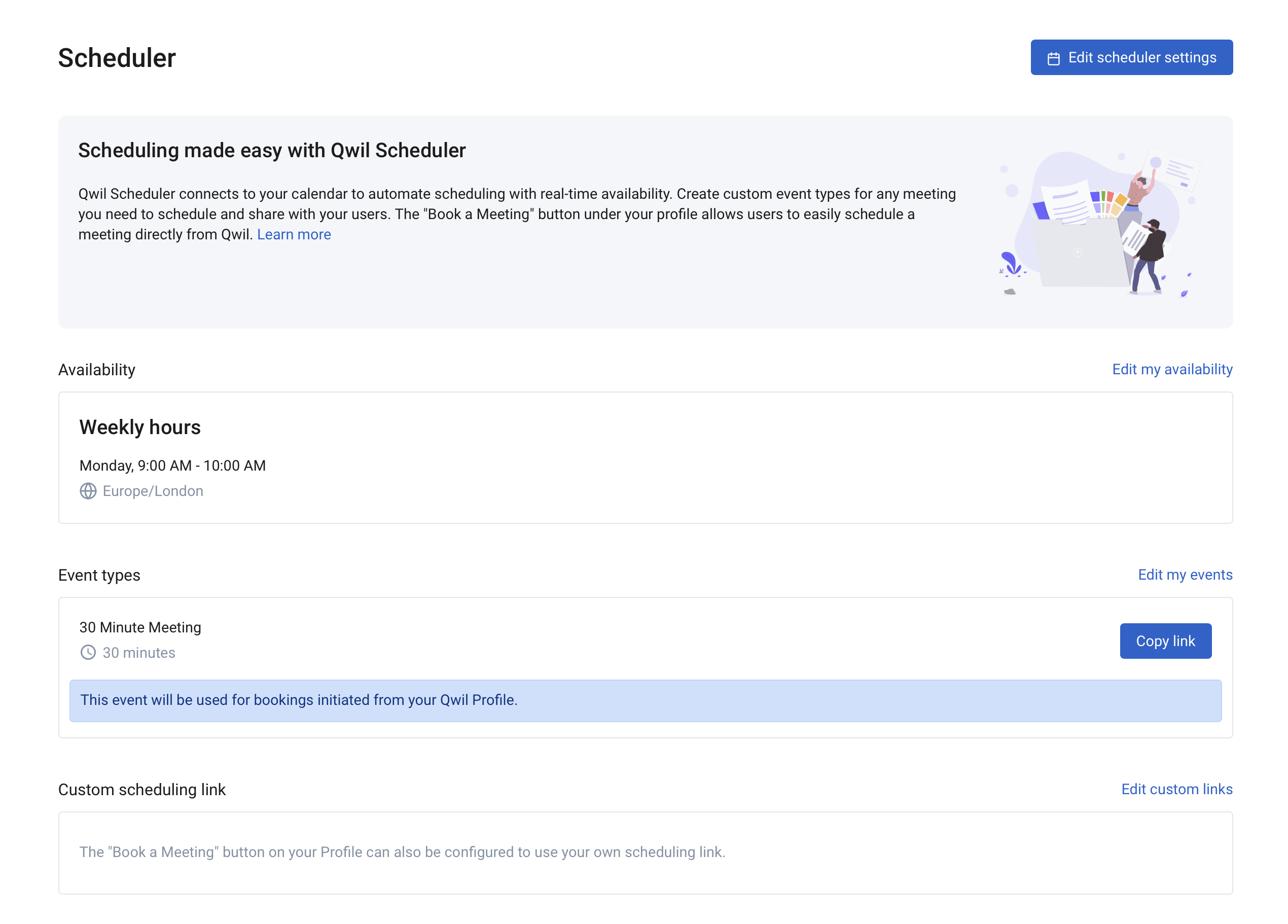
The "Book a meeting" button can now be customised using a link of your choosing whether Calendly or Microsoft Bookings or other. Previously the button was only assigned to an event in Scheduler requiring the use of Scheduler. The Booking a meeting also appears under the staff profile on mobile.
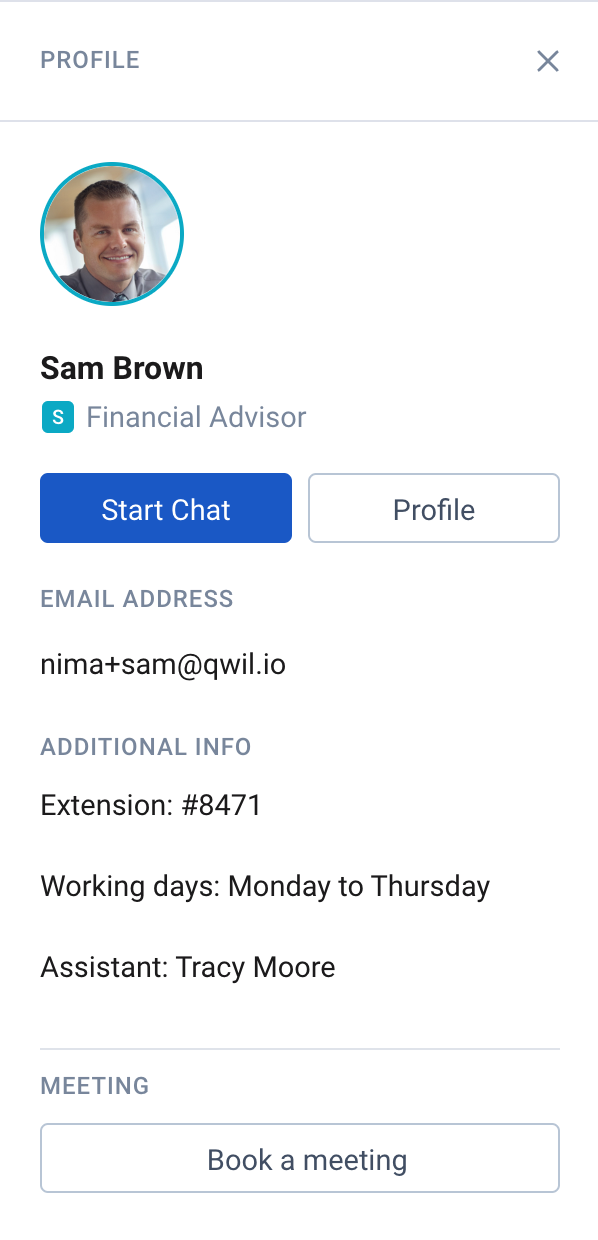
Adding custom link under Booking button
- Open Scheduler
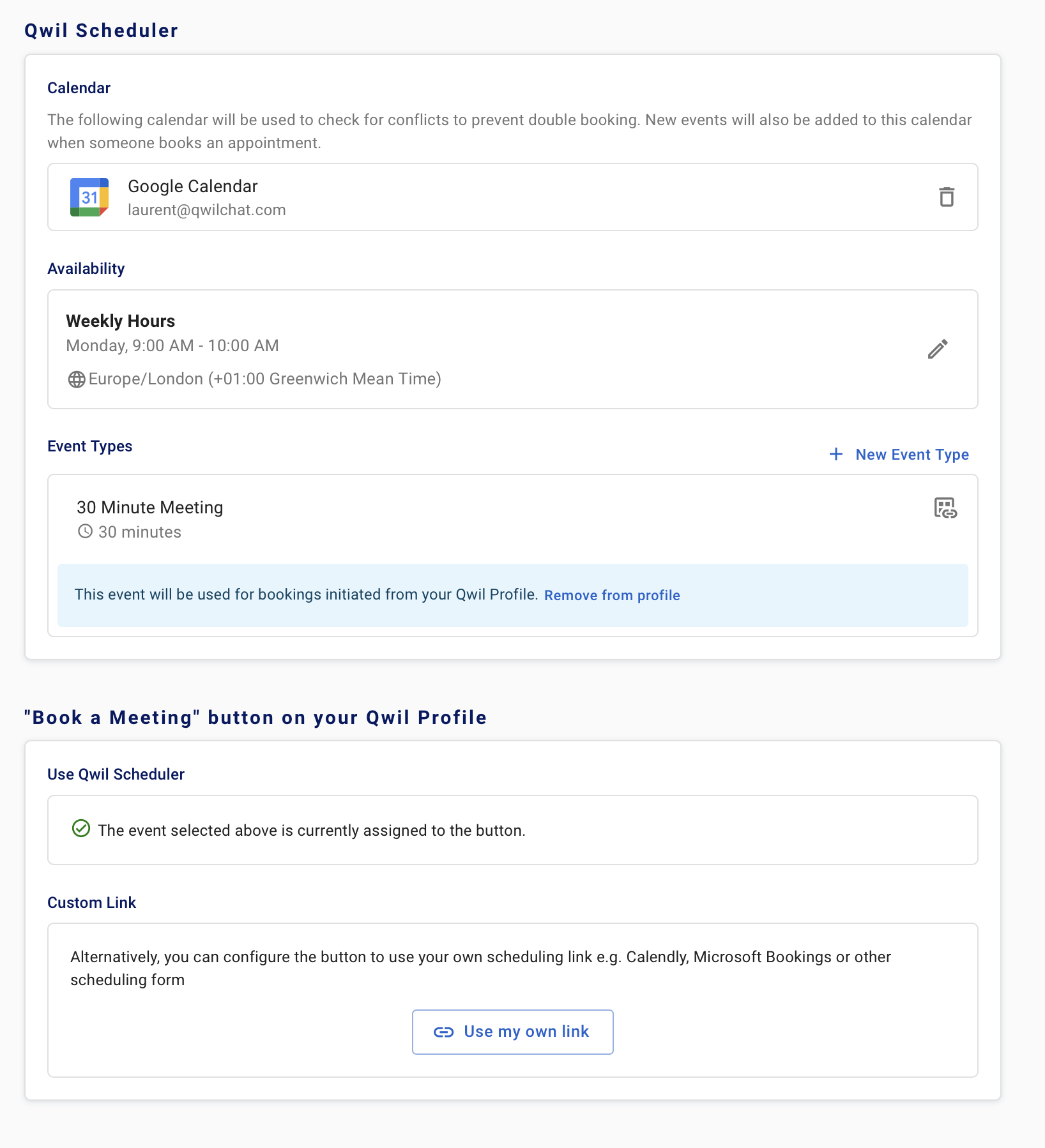
- Under Custom scheduling link, click "Edit custom links"
- Click "use my own link"
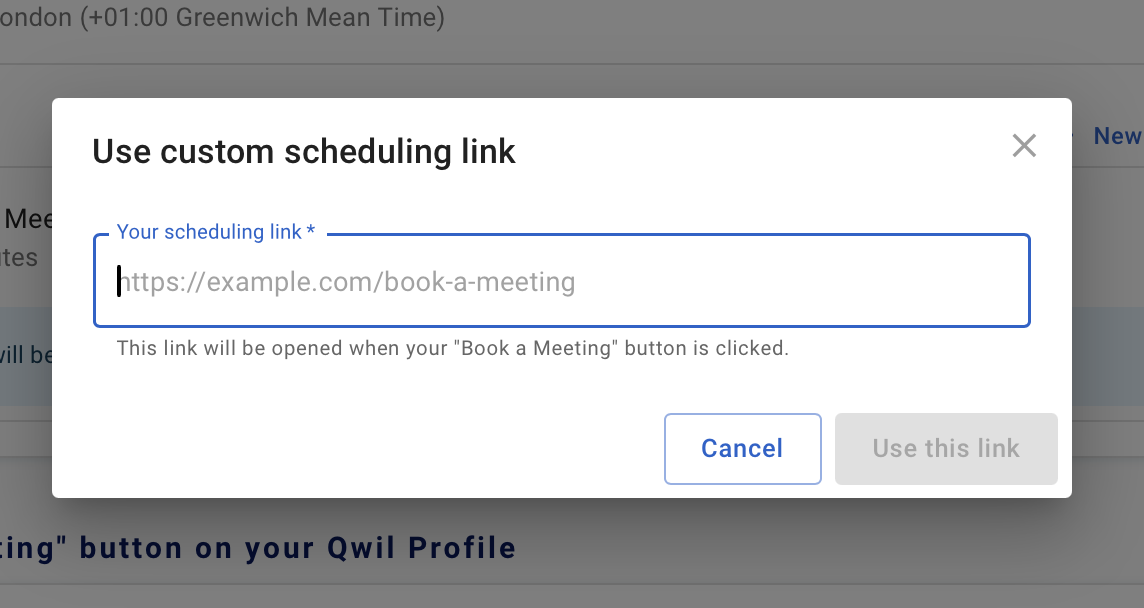
- add URL
- Save