Who can use this feature?
Staff and Staff administrators
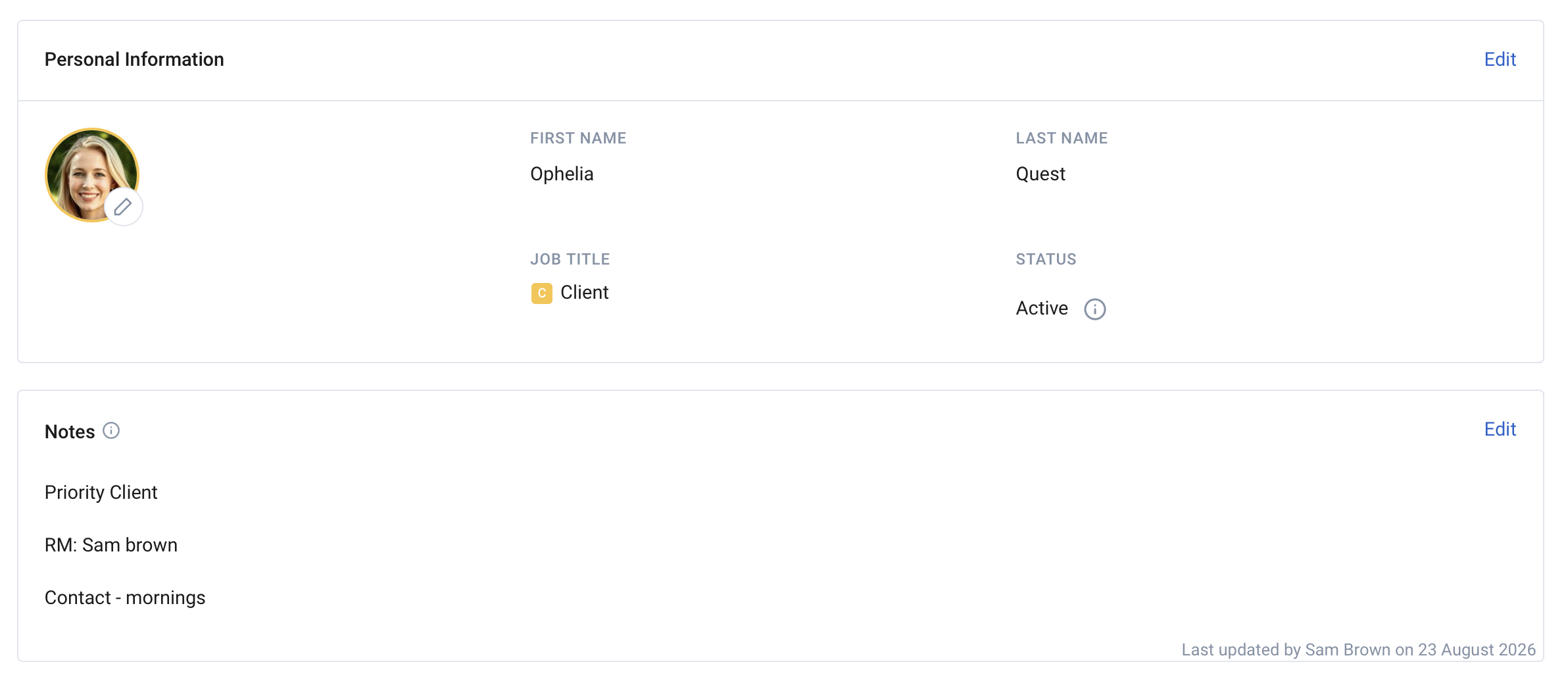
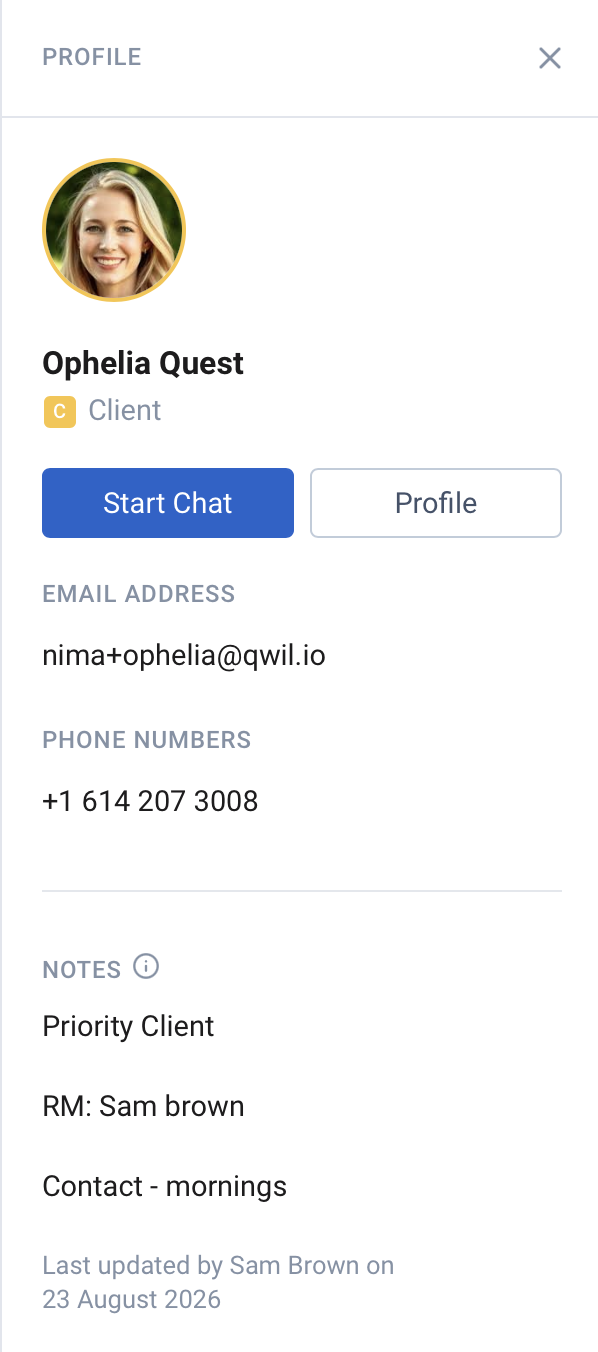
Client notes: Staff can add notes to the Client contact profile which are visible to staff within a chat and to staff who are in the client team (and have the client in their contacts). These notes are not visible by clients. The date and the staff who last edited it is added to the note. Notes can be used for additional context on the client - such as priority, vulnerable, who their main relationship adviser is, next review, etc.
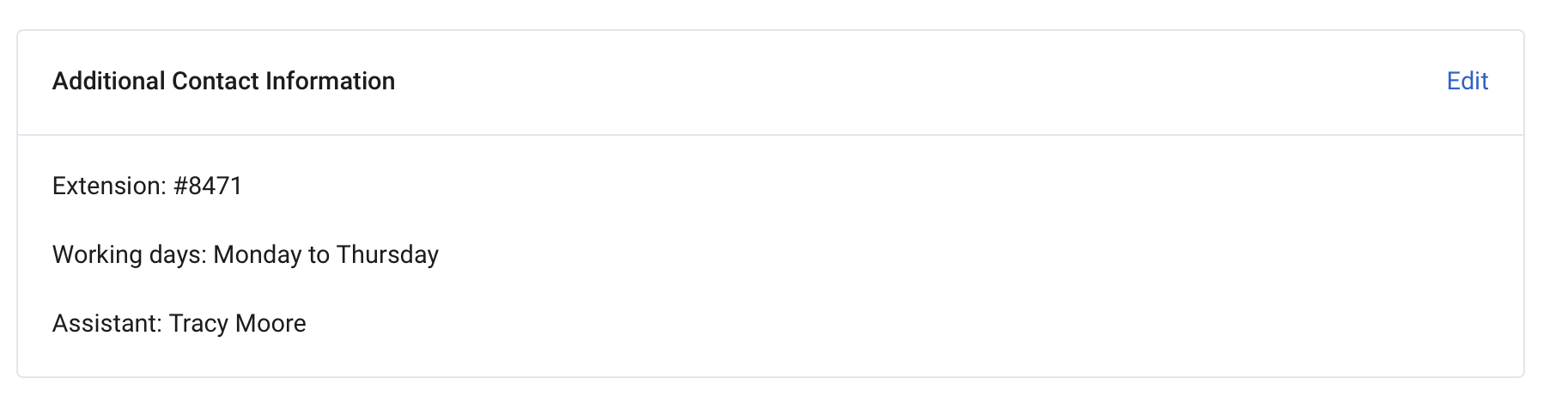
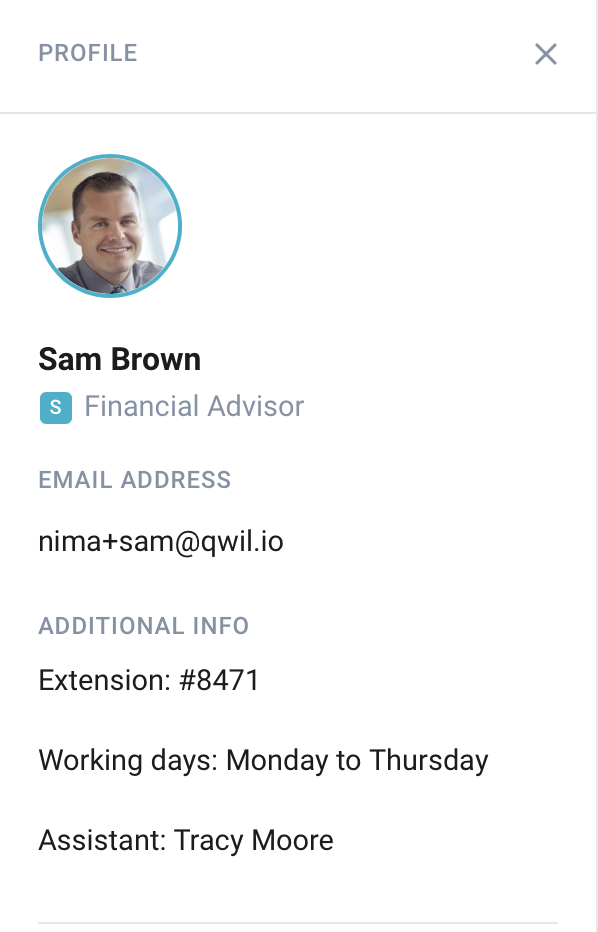
Staff additional information: Staff can also add additional information under their profile, or administrators can edit this information. This information is visible to all staff and all clients. This extra field should be used to add a telephone pre-fix number, working hours, assistant name, speciality etc.
Notes and Additional information can only be edited from the Desktop app. They will also be visible on mobile.
Editing Notes Under the Client Profile
- Open the Client Contact or Click on Profile (administrators can also update the notes from the administration tab)
- Under Notes, click Edit
- Add up to 500 characters. No links at this stage.
- Save
Editing Notes Under the Staff Profile
- Open your (or the staff profile under admin) Profile
- Under Additional information, click Edit
- Add up to 500 characters. No links at this stage.
- Save