Who can use this feature?
All users
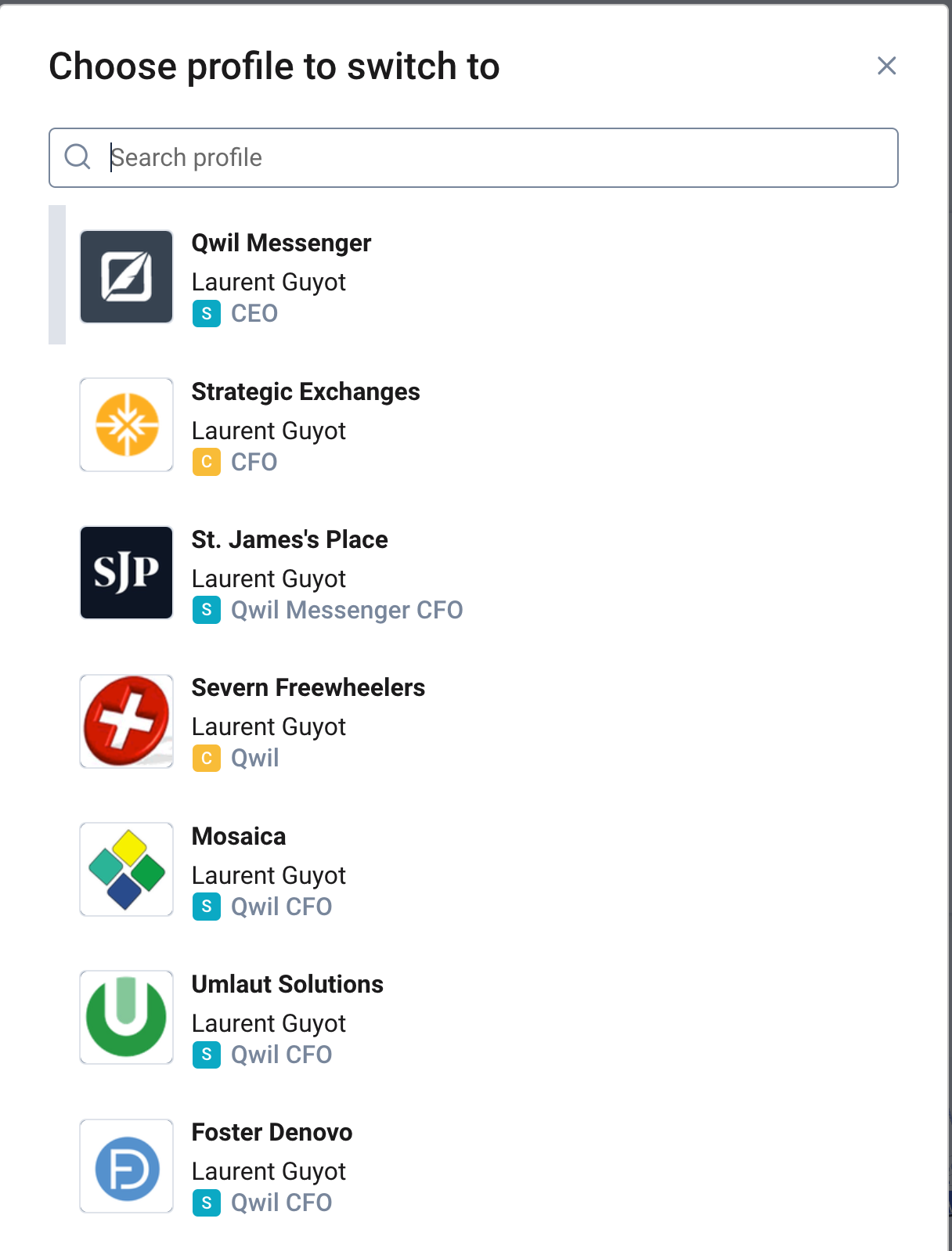
Users can have multiple profiles across multiple organisations. For example a staff member at Organisation X and be a client of another Organisation Y. You can simply switch from one to another both on mobile and desktop.
If you create a new organisation as an administrator or accept an invite from a 2nd organisation, the new profile will be accessible within the same application.
What to expect:
When your have multiple profiles or access to organisations
On mobile, click on the 3 lines on the top left and you will see the list of organisations you have been invited to (as a staff or client) and switch between.
On desktop, click on your icon (top right) and select the organisation and profile under Other Profiles
Note your profile details can be different across organisations
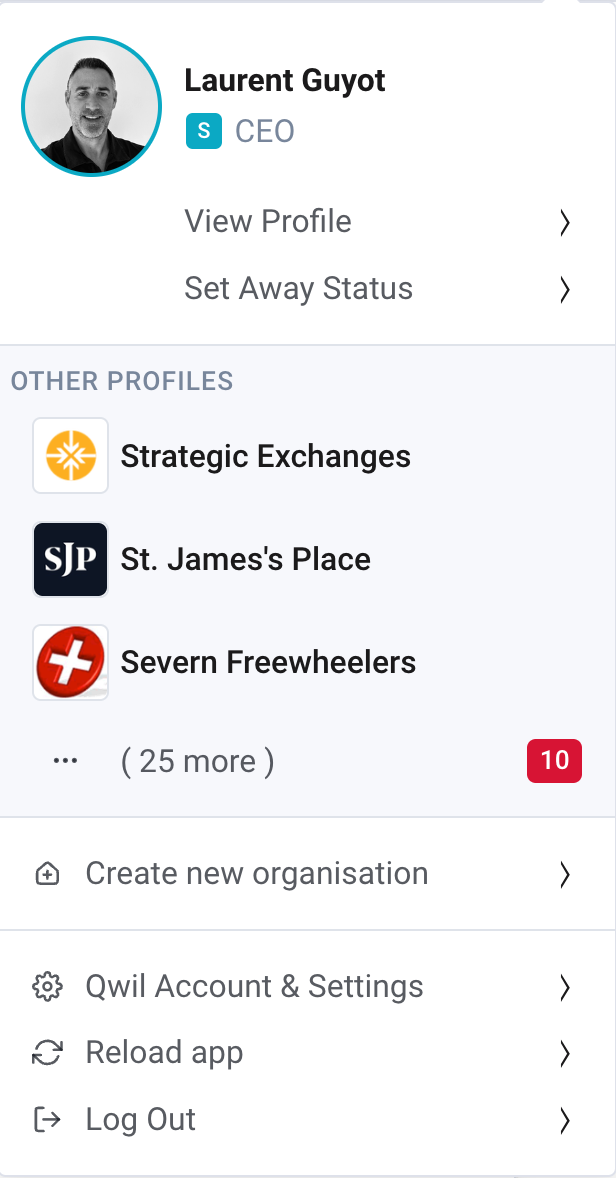
Choose profile to switch too